
How to add Youtube Comments into google sheet – Pabbly Connect
$0
Automatically capture and log YouTube comments into Google Sheets in real-time using Pabbly Connect.

Description
How to use this automation flow in Pabbly connect?
How the automation works
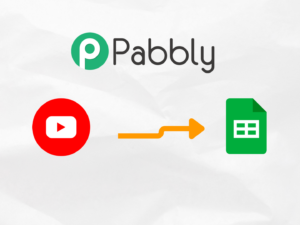
Connect your YouTube channel to Pabbly Connect, and it will automatically capture all new comments and add them to a Google Sheet. This automation ensures that every comment, along with relevant details like the commenter’s name, timestamp, and video title, is logged in real-time. You can then easily review, analyze, or respond to comments from one organized location.
Who should use this YouTube comments-to-Google Sheets automation
This automation is perfect for content creators, social media managers, or businesses who need to track and manage YouTube comments efficiently. With Pabbly Connect, you can automatically store comments in Google Sheets, providing a streamlined way to monitor engagement, track feedback, or delegate responses. It’s ideal for anyone who wants to stay on top of their community interactions without manually logging each comment.
Key benefits of using this automation built with Pabbly Connect
– Automatically logs YouTube comments into Google Sheets with no coding required
– Organizes comments and their details for easy review and analysis
– Integrates seamlessly with other tools and workflows for comprehensive comment management
– Saves time by eliminating manual data entry and tracking
Be the first to review “How to add Youtube Comments into google sheet – Pabbly Connect”
Producer
Qubitbots
Made With
Youtube, Google Sheets
Technical
Updated
August 20, 2024
Support
Email – info@qubitbots.in
Contact Page – Contact
If any support is needed, please contact us and we will be happy to help.
Reviews
There are no reviews yet.